

Unstructured Foundation is an Early Access product. Unstructured must accept you into the Early Access program
before you can begin using Foundation.
Add your name to the Early Access interest list.Unstructured is currently accepting a limited number of participants into the Early Access program at its discretion.The following information is being provided to give you an advance preview of possible future functionality. Unstructured
makes no express claims as to what extent this information will reflect the future state of the product.
This 7-minute video demonstrates Unstructured Foundation in action:
What problems does Foundation solve?
AI tools such as Claude, Codex, Cursor, and Microsoft Copilot can reason over public information. They cannot see your organization’s private knowledge: your Google Drive folders, Microsoft SharePoint sites, Confluence spaces, Slack conversations, and Amazon S3 buckets. Every session requires the same workaround: upload files, paste excerpts, and re-attach context. The assistant forgets everything when the session ends. That cost compounds. Knowledge never accumulates, and context windows degrade as the volume of source files grows. Foundation eliminates those workarounds. It processes your files once, maintains a persistent enrichment index, and exposes it through every AI tool your team uses.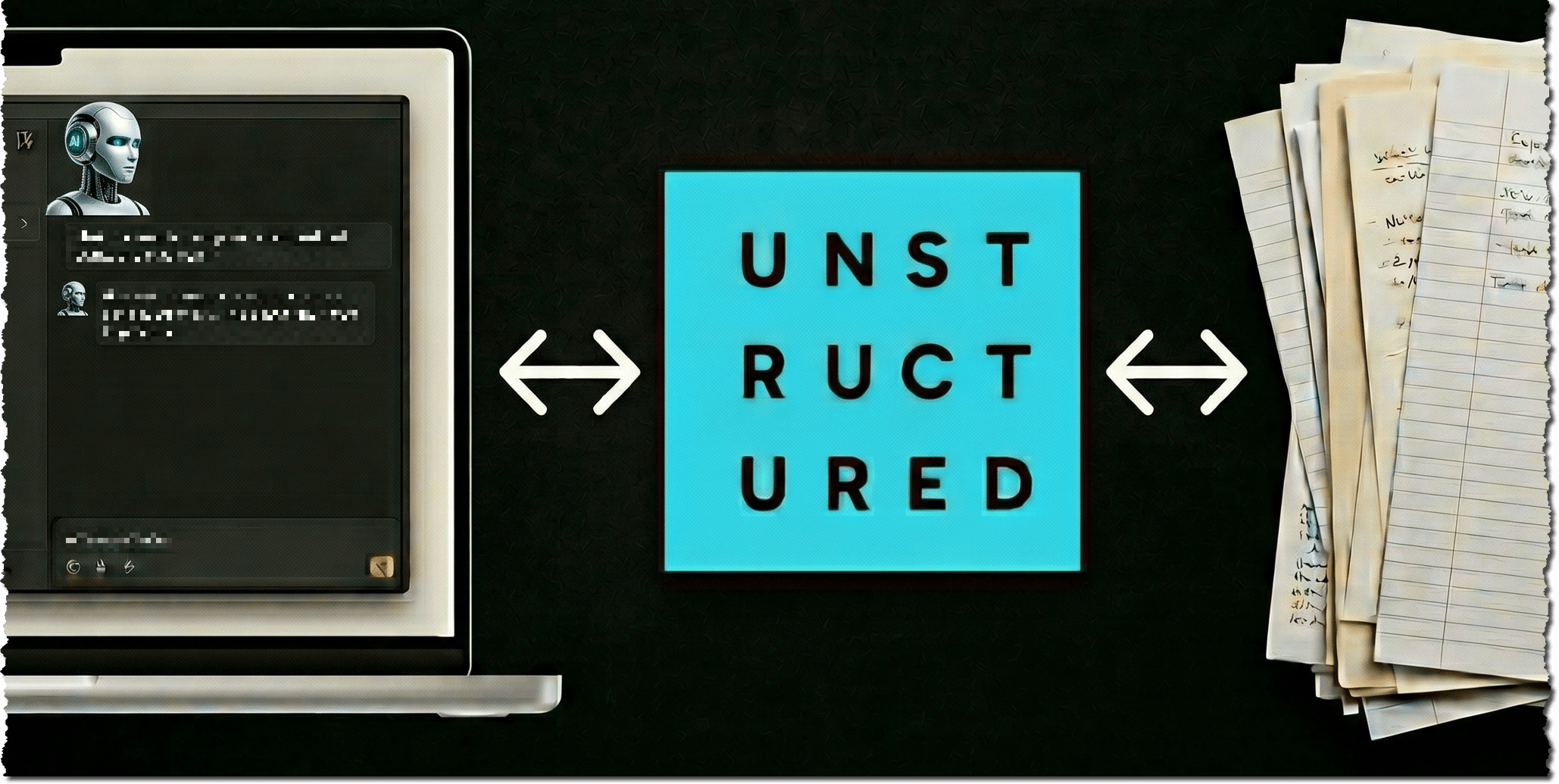
How Foundation works
Foundation connects to your data sources through sources. A source is a configured connection to a data source such as Google Drive, SharePoint, S3, Confluence, or Slack. Once a source is set up, Foundation indexes the files it finds there and keeps that index current as files change. Foundation calls this the enrichment index (the structured, persistent representation of your files). AI tools query it without reprocessing raw files on every request. This keeps retrieval fast and cost-efficient at enterprise scale. The enrichment index is exposed to AI tools through a global catalog (a unified view across all connected sources). Any MCP-compatible tool can query the global catalog directly, with no extra configuration.Key benefits of Foundation
- Your files stay where they are. Foundation never copies or moves your source files. It stores a full text representation alongside named entities, topics, and short summaries.
- Process once, query forever. Each file is processed at ingest time using Unstructured’s full extraction pipeline: layout-aware partitioning, table extraction, and structured output. Every query returns the same quality without reprocessing.
- Persistent across sessions and tools. The enrichment index does not reset when a session ends. The same catalog is available from any MCP-compatible AI tool (such as Claude, Codex, Cursor, and Copilot) without reconfiguration. Your chats do not persist in the same way, so name Foundation in your first request in each new chat.
- Stays current automatically. New files added to connected sources are discovered and indexed in the background. No action is required from you.
- Scales to enterprise volumes. Foundation delivers summaries and enriched metadata to your AI tool rather than raw file dumps. This avoids the context window degradation that direct file-attachment approaches suffer at large scale.
- Permissions are respected. Files you cannot access in a source system do not surface in your results. Foundation checks source permissions at query time.
- Save on token costs. Better retrieval will lead to more efficient AI token usage.
Foundation versus built-in chatbot features
Most AI tools let you upload files to a conversation. In Claude Desktop, this is + > Add files or photos. That pattern works for quick questions but breaks down at enterprise scale.
“Projects” and “Spaces” features in tools like ChatGPT and Perplexity improve file persistence. But they still require manual uploads, cap file counts, and do not stay current as source files change.
Foundation is purpose-built for persistent enterprise access. Index your file library once. Every AI tool your team uses queries the same enrichment index, with no uploads, re-attaching, or context window pressure.
The Foundation MCP Server versus built-in source connectors
Many AI tools offer built-in source connectors. In Claude Desktop, this is Customize > Connectors > Add connector. These include integrations with sources such as Google Drive or Microsoft SharePoint. These connectors pass a snapshot of your files to the AI on demand. The approach has structural limits.
AI tool source connectors work for quick lookups against a single system. But each connector must be reconfigured per AI tool, and every query reads raw files that consume context tokens.
The Foundation MCP server is a single endpoint. Every AI tool your team uses queries the same pre-indexed file library across all connected sources, with no per-tool setup.
Foundation versus Unstructured Pipelines and its API
Unstructured Pipelines and its API are pipeline tools. You configure a workflow: sources, destinations, and transformation steps. Jobs then run on a schedule or on demand and move processed files to a vector database, a file storage location, or other destination. Your application then queries that destination. Foundation is different in purpose and design.
Foundation runs Unstructured’s extraction pipeline in the background. You never configure a workflow or manage a destination. The enrichment index is available to your AI tools as soon as your sources finish indexing.
The two are complementary. Use Unstructured Pipelines to build data products your applications consume. Use Foundation to give your AI tools direct, persistent access to your files without the pipeline in between.
Security and data privacy
Foundation is built on data minimization. Your source files never leave their original location. Foundation stores only the enriched representations it needs to answer queries, not the files themselves.What Foundation stores
Foundation stores the enriched representations it needs to answer queries: named entities, topics, summaries, and complete file text. Your source files remain at rest in their original connected locations.Data deletion
When you remove a source, you can delete the associated indexed data. Your source files are not affected.User isolation
Each user’s data is stored in an isolated database. The MCP server verifies your identity on every tool call. Your indexed data is never accessible to other users, and theirs is never accessible to you.Source authorization
Foundation connects to your data sources using industry-standard OAuth. You authorize each source through that service’s standard OAuth flow, the same process you use for any other app. Source-level permissions are enforced at query time: files you cannot access in the source do not appear in your results.Next steps
- Get started with Foundation: Install Foundation and connect your first file source location.
- Foundation sources: Learn about available file sources and how to manage connections.
- The Foundation MCP server: Understand how AI tools query your enrichment index.
Questions? Need help?
- For general questions about Unstructured products and pricing, email Unstructured Sales at sales@unstructured.io.
- For technical support, see request support.